

Your Phone Can Be an Emergency Contact Card

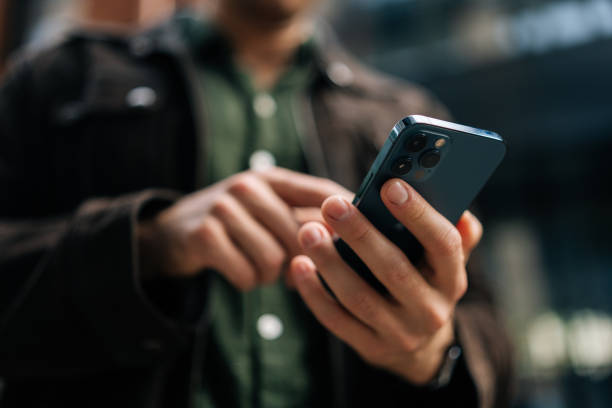
Photo source: iStock
If something happens to you while you’re away from home, your phone may contain information that could help someone contact the right person quickly.
Both iPhones and Android phones have features that allow you to display emergency information from the lock screen without requiring someone to know your passcode. Setting this up takes only a few minutes and can be useful in an unexpected situation.
Start with your emergency contacts. Choose people who should be contacted if you’re involved in an accident or unable to make a call yourself. Ideally, they should know that you’ve listed them and understand that they may be contacted in an emergency.
You can also add certain medical information, depending on your phone. This might include allergies, important medical conditions, blood type, or medications. Only include information you’re comfortable having accessible from the lock screen.
The exact steps vary between devices. On an iPhone, the Health app includes a Medical ID that can be made available from the lock screen. Android phones have similar emergency information features, although the settings differ between manufacturers and models.
It’s worth checking the information every few months. Emergency contacts can change, medications may be updated, and an old phone number isn’t much use when someone needs to reach your family.
You should also make sure your phone itself is protected with a passcode, fingerprint, or facial recognition. Making emergency information available doesn’t mean leaving the rest of your personal information accessible.
Once you’ve set everything up, ask a family member to check whether the emergency information can actually be viewed from your locked phone. That simple test can confirm that you’ve configured it correctly.
It’s a small feature that most people hope they’ll never need. But if the unexpected happens, having the right information readily available could make a difficult situation a little easier.








