

The Storage Warning You Keep Ignoring

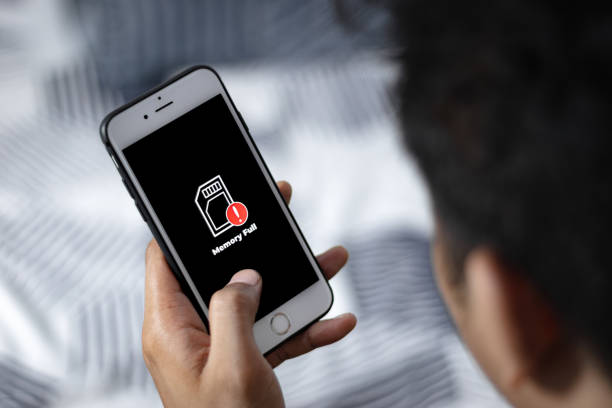
Photo source: iStock
Your phone tells you that storage is nearly full. You dismiss the warning because everything still seems to work. A few weeks later, the same message appears again, and suddenly you cannot take another photo or install an important update.
Phone storage fills up gradually, often without you noticing. Photos and videos are usually the biggest culprits, particularly if you regularly receive large clips through messaging apps. Downloaded files, podcasts, offline maps, and unused apps can also take up more room than expected.
Start by looking at your phone’s storage settings. Both iPhones and Android phones can show you which categories are using the most space. You may be surprised to discover that photographs are not actually the biggest offender.
Do not start deleting things at random. Look through large videos first, particularly duplicates and clips you received from other people but never intended to keep. A ten-second video can be surprisingly large, and several years of them can add up quickly.
Messaging apps are another place worth investigating. Conversations can accumulate photographs, videos, voice messages, and documents long after you have stopped needing them. Some apps allow you to review large attachments and remove them without deleting the entire conversation.
Before deleting photographs, make sure important memories are backed up somewhere you trust. If your photos are synchronised with a cloud service, understand whether deleting them from your phone will also remove the backed-up copy. If you are unsure, leave them alone until you know how your particular service works.
Unused apps are easier. If you have not opened an app for months and cannot remember why you installed it, you probably do not need it taking up space. You can always reinstall many apps later if you change your mind.
You do not need to turn phone housekeeping into a weekly chore. Check your storage when the warning first appears, deal with the largest items and leave the rest. A little maintenance now can prevent the more frustrating situation of discovering that your phone has no room left when you actually need it.







