

Before You Throw Away an Old Phone, Do These Five Things

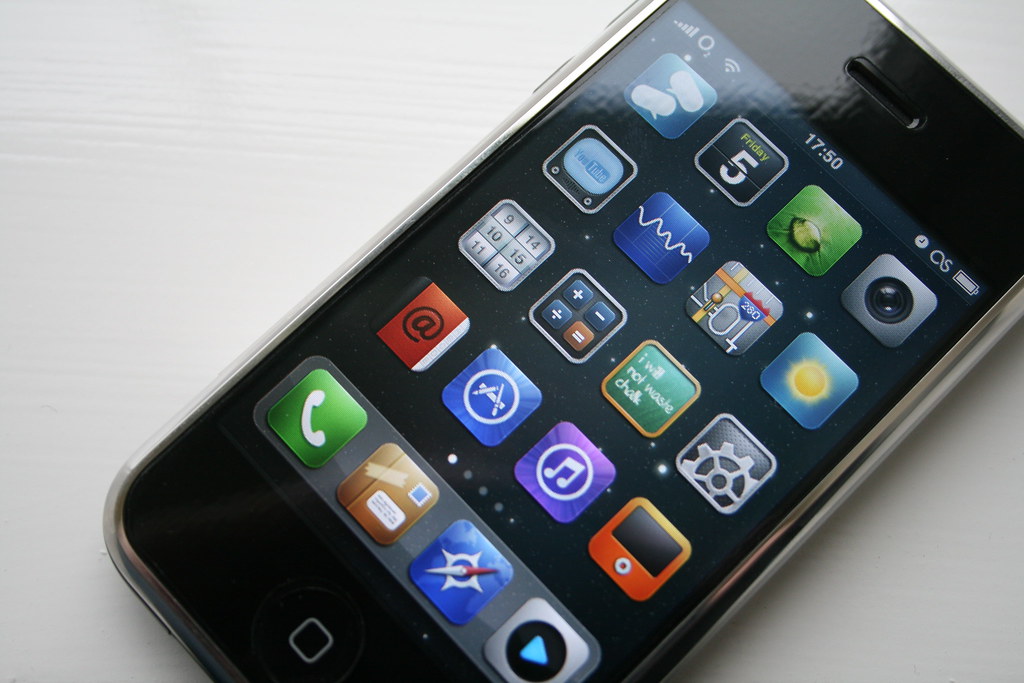
Photo source: Flickr
Buying a new phone is exciting. Once everything has been transferred across, it’s tempting to put the old one in a drawer, give it to a family member, or recycle it without another thought. Before you do, take a few simple steps to protect your personal information.
Start by checking that everything you want to keep has been backed up. Make sure your photos, contacts, messages, and important files have successfully transferred to your new device or cloud storage. It’s worth taking a few extra minutes to double-check before wiping anything.
Next, sign out of your accounts. This includes your Apple ID or Google account, email apps, banking apps, and any social media accounts. Removing your accounts helps ensure the next person who uses the phone won’t be able to access your personal information.
Once you’ve signed out, perform a factory reset. This erases your personal data and returns the phone to its original settings. Most smartphones include this option in the Settings menu, and the process usually takes only a few minutes. If your phone has a removable SIM card or memory card, don’t forget to take those out as well.
If the phone is still in good working order, consider giving it a second life. A family member might appreciate it as a spare device, or you could donate it to a charity that refurbishes phones for people in need. If it’s no longer usable, recycle it through an approved electronics collection point rather than throwing it into your household rubbish.
Finally, if you’re unsure whether the reset worked, switch the phone back on after erasing it. It should display the same setup screen that appeared when it was brand new. That’s a good sign your personal information has been removed.
An old phone can hold years of your digital life. Taking a few careful steps before passing it on helps protect your privacy and gives you confidence that your personal information stays where it belongs.








