

Unknown Calls Do Not Always Need an Answer

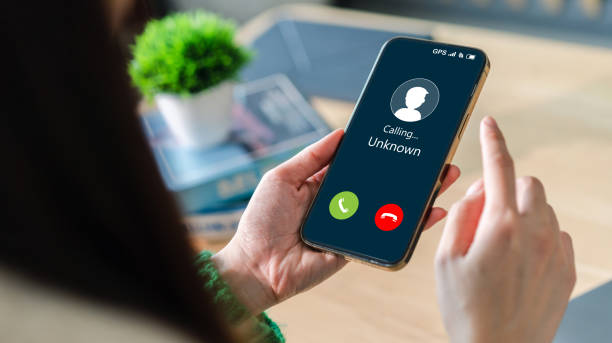
Photo source: iStock
An unfamiliar number appears on your screen. You hesitate, wondering whether it is important or just another unwanted call. Then it rings again later that day.
You do not necessarily have to answer every call that gets through to your phone. Most modern smartphones have settings that can help manage calls from numbers you do not recognise, although the options vary between Apple and Android devices.
On an iPhone, for example, you can silence calls from unknown numbers so they are sent to voicemail rather than making your phone ring. Android phones can offer similar features, including caller ID and spam protection. These settings can be particularly useful if you regularly receive marketing calls or repeated calls from unfamiliar numbers.
There is one important catch: an unknown number is not automatically a bad number. Your GP, medical centre, delivery driver, bank, or someone calling from a new phone may not be saved in your contacts. If you are expecting an important call, check your settings first or consider leaving unknown calls enabled.
A useful compromise is to let unfamiliar calls go to voicemail rather than answering immediately. A genuine caller can leave a message explaining who they are and why they called. You can then decide whether to return the call.
If you receive repeated suspicious calls, do not rely solely on your phone’s built-in filtering. Netsafe recommends being cautious with unexpected communications and avoiding giving personal or financial information to callers whose identity you cannot verify.
Take a few minutes to open your phone’s call settings and see what protection is available. You may find options for identifying spam, blocking specific numbers, or silencing unfamiliar callers.
Your phone is supposed to help you stay connected. It does not have to make you available to everyone who happens to know your number.










