

The Smart TV Settings Worth Reviewing

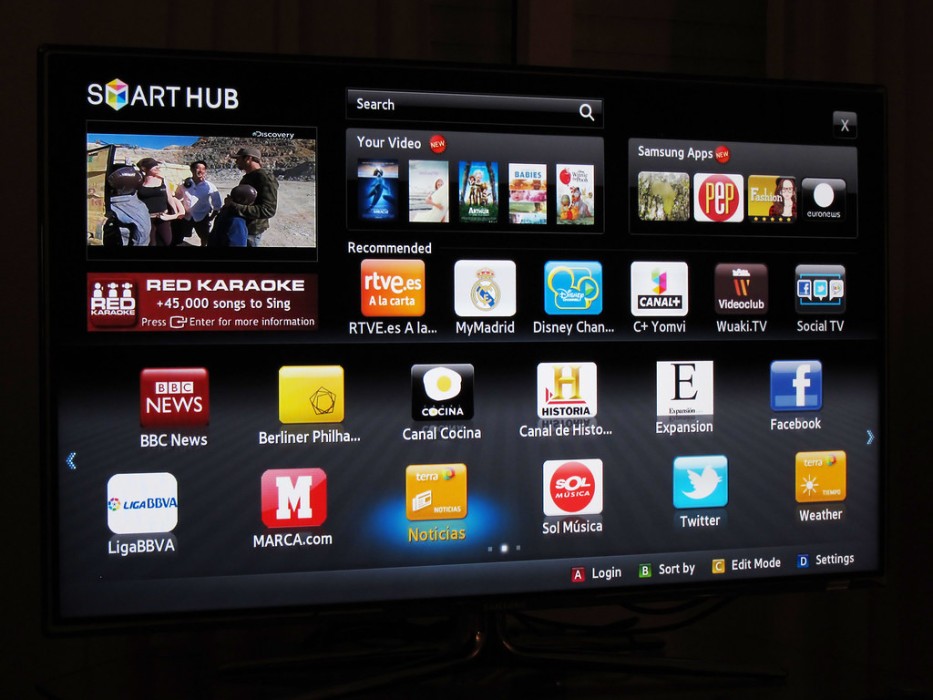
Photo source: Flickr
Your television may have started life as a simple screen for watching the news and your favourite programmes. Now it can connect to the internet, run streaming apps, recognise voice commands, and recommend what to watch next.
Those features can be convenient, but they also mean your television has settings worth reviewing. Depending on the model, it may collect information about viewing habits, use voice data, or share certain information with the manufacturer and app providers.
Start with the privacy menu. Look for settings relating to viewing data, personalised advertising, or automatic content recognition. The exact wording varies between manufacturers, but these options may allow the television to collect information about what you watch, including content from connected devices.
Disable optional tracking features you do not want, while keeping in mind that some recommendations or personalised functions may become less useful.
Next, review the apps installed on the television. Remove streaming services you no longer use and sign out of accounts you no longer need on the device. This is particularly important if you are giving away an old television or moving it to another household.
Voice control deserves attention, too. If your television has a built-in microphone or a voice-enabled remote, find out how it is activated and whether voice data is stored or processed online. You can disable voice features if you rarely use them.
Keep the television’s software updated. Manufacturers release updates that can improve performance and address security problems. If your model no longer receives updates, be more cautious about connecting it to accounts containing personal information.
New Zealand’s Own Your Online guidance encourages people to understand the privacy settings of connected devices and limit information sharing where possible.
Finally, remember that the streaming apps on your television have their own privacy settings. Reviewing the TV itself will not necessarily change the data collected by Netflix, YouTube, or other services you use.
You do not need to become an expert in smart-home technology to make your television safer. A short review of its privacy options, accounts, and updates can help you keep the convenience without sharing more information than you intended.









