

The Photos You Send Are Not Always the Same Size

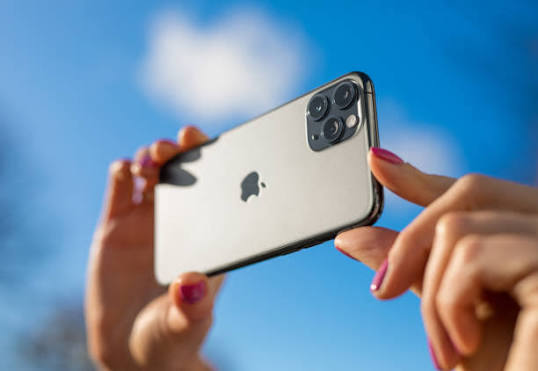
Photo source: iStock
You take a lovely photograph, send it to a family member, and they receive something that looks noticeably less sharp than the original. It can be puzzling when the picture looked perfectly clear on your phone.
The reason is often compression. Many messaging apps reduce the size of photographs before sending them so they use less data and arrive more quickly. That is perfectly fine for an ordinary family snapshot, but it can matter if you are sending something you want printed or viewed in detail.
A photograph of a grandchild might look fine on a phone screen but become noticeably blurry when enlarged. The same problem can occur with pictures of documents, artwork, receipts, or anything containing small details.
Before sending an important image, look at the options offered by the app you are using. Some messaging services allow you to send a photograph in a higher-quality or original format rather than using the standard compressed version.
There is a trade-off. Higher-quality photographs are larger files, so they can take longer to send and use more mobile data. If you are travelling or have limited data, the smaller version may actually be preferable for everyday pictures.
For photographs you want to preserve, editing, or printing, it is better to keep the original file rather than relying on the copy that was sent through a messaging app. If someone sends you an important photograph, consider asking them to share the original file if the image quality matters.
The same principle applies when moving photographs between devices. Email attachments, messaging apps, and some social media platforms may all process images differently.
You do not need to send every family photograph at full resolution. Most everyday pictures do not need it. But knowing the difference between a compressed copy and an original can save you disappointment when a photograph suddenly needs to be printed, enlarged, or cropped.
The next time someone asks you to send “the photo,” take a second to consider what they are going to do with it. If they just want to see it, the ordinary version is probably fine. If they want to print it, send the best-quality version you have.








