

Set Up Your Phone for Emergencies

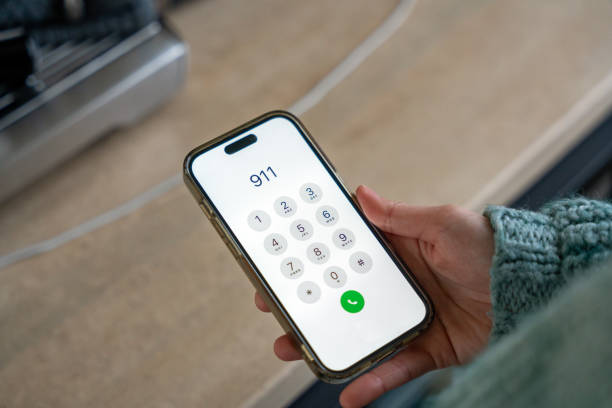
Photo source: iStock
Most of us keep our phones close by all day, but we tend to think of them as communication and entertainment devices rather than something that could help in an emergency.
A few simple settings can change that.
One useful feature is an emergency contact or Medical ID. Depending on your phone, you can add important information such as your name, emergency contacts, allergies, or other details that you want available to someone helping you. Some phones allow this information to be viewed from the lock screen without unlocking the device.
This can be particularly useful if you’re unable to explain who should be contacted. A family member, friend, or neighbour listed as an emergency contact may be easier for someone assisting you to reach than trying to work out who to call from your contacts list.
Take a few minutes to check what your phone currently has available. On an iPhone, this information can be added through the Health app. Android phones vary by manufacturer, so look under Settings for terms such as “Safety,” “Emergency,” or “Medical information.”
Keep the information up to date. If your emergency contact has changed their phone number, or someone you previously listed is no longer the right person to call, update it. There’s little value in having an emergency contact listed if nobody can actually reach them.
It’s also worth making sure your phone can make an emergency call even when the device is locked. In New Zealand, 111 is the emergency number for police, fire, and ambulance. You don’t need to store it as a normal contact, but knowing where the emergency-call option is on your particular phone is useful.
Don’t put sensitive information such as your banking passwords or account PINs into an emergency profile. Stick to information that could genuinely help someone assist you.
Once you’ve set everything up, show a partner, family member or trusted friend where the information is stored. They can also help you check that the details are accurate.
It’s one of those small pieces of digital housekeeping you hope you’ll never need. But if an emergency does happen, having the right information available could save valuable time.







