

Let Your Phone Do the Typing

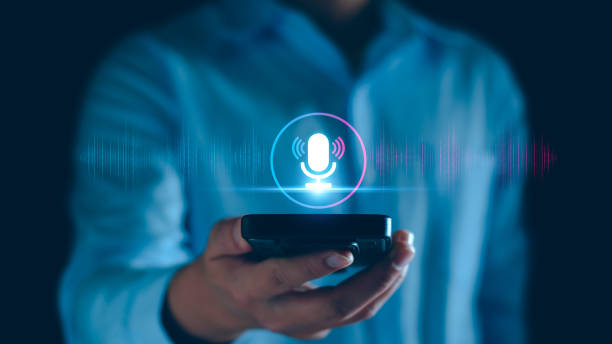
Photo source: iStock
Typing on a phone can become surprisingly tiring. The keyboard is small, autocorrect has its own ideas, and a simple message can take longer than expected. Fortunately, you do not always have to type. Most smartphones have a voice-typing feature that turns what you say into written text.
It can be particularly useful for longer messages. Instead of tapping out every word, open a message, email, or note, and look for the small microphone symbol on the keyboard. Tap it, speak naturally, and watch your words appear on the screen. You can then read through the result and correct anything the phone misunderstood before sending it.
Voice typing is also handy for things you might normally put off because they are fiddly to type. You could dictate a shopping list while walking around the kitchen, record a reminder about something you need to do later, or quickly search for information without wrestling with the keyboard.
The trick is to speak a little more deliberately than you would in an ordinary conversation. Pausing briefly between thoughts can help, particularly when you are dictating a longer message. You can also say punctuation in many voice-typing systems, although the exact commands vary between phones.
There is another useful advantage: you can keep your hands relatively free. If you are holding a recipe book, carrying groceries, or simply find prolonged typing uncomfortable, dictation can be a much easier way to get something written down.
It is still worth reading everything before pressing send. Voice recognition is remarkably good, but it can misunderstand names, places, and words that sound alike. A thirty-second read-through can prevent an embarrassing message or an incorrect appointment detail.
You do not need to become a voice-command expert. Try it the next time you need to write more than a sentence on your phone. You may find that the keyboard is no longer the fastest way to get your thoughts onto the screen.








