

How to Use Your Smart TV Without the Frustration

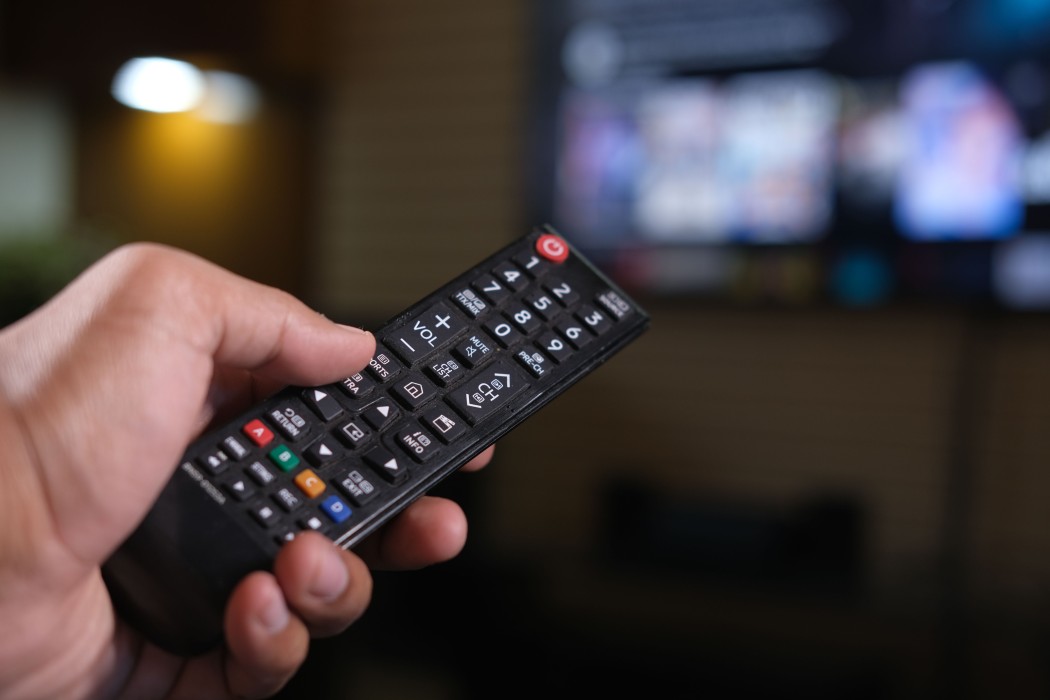
Photo source: openverse, Towfiqu barbhuiya
Smart TVs can feel overwhelming at first, with so many buttons, menus and apps. The good news is that learning how to use smart TV features is easier than it looks. With a little patience, you can enjoy your favourite shows, catch up on New Zealand programmes and even video call family overseas.
What Makes a TV “Smart”?
A smart TV is a regular television that connects to the internet through your home Wi-Fi. Once connected, it can stream programmes and films through apps, much like a phone or tablet does.
Getting Connected
The first step in how to use smart TV is joining your Wi-Fi. Press the Home or Settings button on your remote, then look for Network or Wi-Fi. Choose your home network and type in the password, which is often printed on the back of your router. Please remember that passwords are case sensitive, so take your time. A family member can help with this first setup, and your TV will remember it afterwards.
Understanding Your Remote
Most remotes look busy, but you only need a few buttons. Home takes you to the main menu; the arrows and OK button let you move around and choose, and Back returns you to the previous screen. If you feel lost, press Home and start again. Nothing you press will break the TV. Many remotes also have a microphone button, so you can say the name of a show instead of typing it.
Finding Your Favourite Programmes
Smart TVs usually come with apps already installed, such as TVNZ+, ThreeNow, Netflix and YouTube. Open an app, browse or search, and press OK to start watching. Some apps are free, while others need a subscription, so check the cost before signing up.
Making Things Easier to See and Hear
Head into Settings and look for Accessibility. Here you can enlarge text, turn on subtitles, improve dialogue clarity or adjust picture brightness. These small changes can make viewing much more comfortable.
Staying Safe
Accept software updates when they appear, and be wary of pop-up messages asking for payment or personal details. Never share bank information unless you are certain the service is genuine.
Keep Practising
Learning how to use smart TV takes a few tries, and that is perfectly normal. Spend ten minutes each day exploring one new feature, and soon it will feel as familiar as flicking through channels. If you get stuck, try your TV’s manual, the manufacturer’s support line or a local community tech group such as SeniorNet.






