

How to Cancel a Subscription You No Longer Use

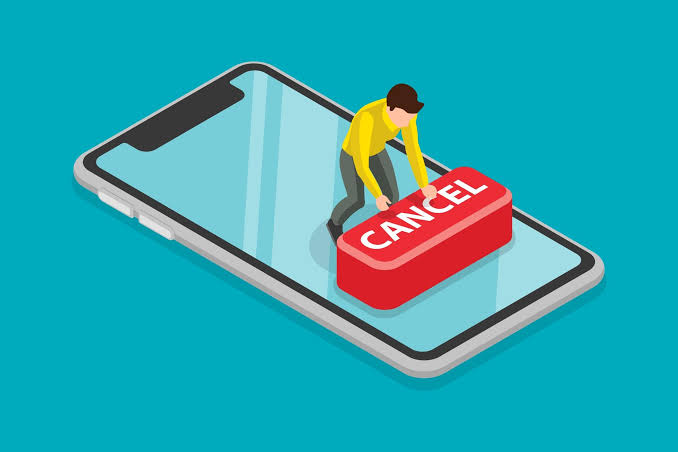
Photo source: Empire Stats
It often starts with a free trial. You sign up to watch a television series, try a fitness app, or access a premium service for a month. Then life gets busy, you forget about it, and the monthly payments quietly continue long after you’ve stopped using it.
These subscriptions may only cost a few dollars each month, but together they can add up to hundreds of dollars a year. Taking the time to review them is one of the easiest ways to reduce unnecessary spending without changing your lifestyle.
A good place to start is your bank or credit card statement. Look for recurring charges that appear every month or every year. You may recognise most of them, but there’s often at least one payment that prompts the question, “Am I still using this?”
Once you’ve identified a subscription you no longer need, don’t simply stop using the service. In most cases, you’ll need to cancel it through your account settings or by contacting the company directly. If you can’t find the cancellation option, check the provider’s help page or customer support section. Taking a few extra minutes now can prevent more payments later.
After cancelling, keep an eye on your next statement to make sure the charges have stopped. If they haven’t, contact the company or your bank as soon as possible. Mistakes do happen, and it’s easier to resolve them quickly than months down the track.
It’s also worth making a habit of reviewing your subscriptions once or twice a year. Our interests change over time, and a service that was useful a few years ago may no longer fit the way you live today.









