

Before You Give Away That Old Smart TV

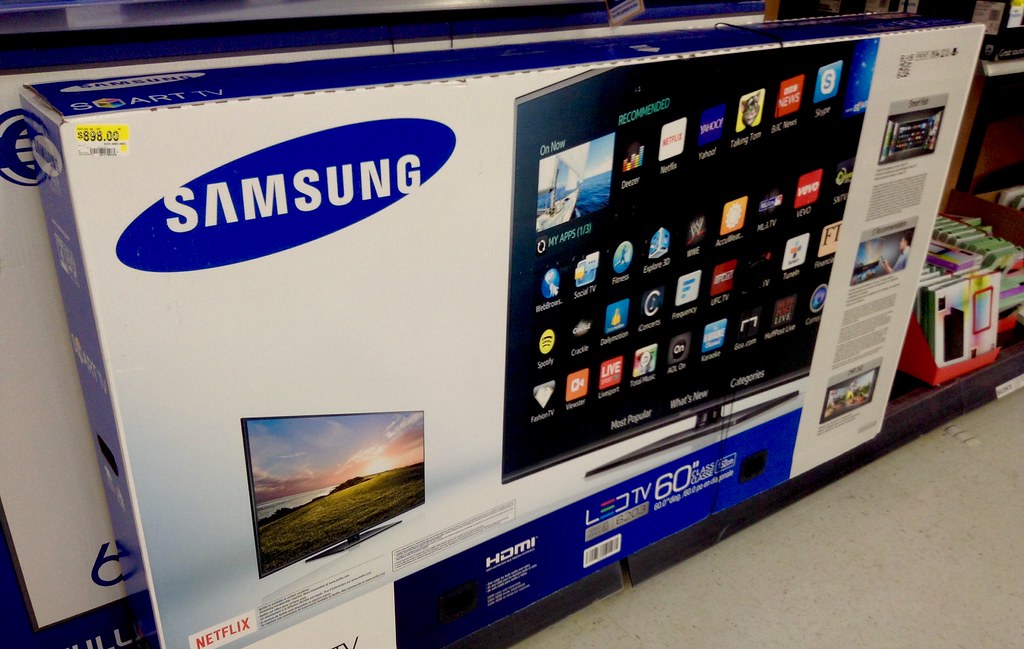
Photo source: Flickr
A television used to be one of the simplest things in the house. You plugged it in, connected an aerial, and watched whatever was on. A modern smart TV is a different story. It can remember your streaming services, Wi-Fi network, apps, and sometimes even payment details.
That matters when you replace the television and decide to sell, donate, or give the old one to someone else. Simply unplugging it and handing over the remote does not necessarily remove everything connected to you.
Before the television leaves your home, open its settings and look for options relating to accounts, users, privacy or device management. Sign out of streaming services such as Netflix, YouTube, and other apps you have used. If the television has a built-in app store, check whether your main account is still connected there too.
A factory reset is usually the most thorough way to remove your information. The exact process varies between brands, so look up the manufacturer’s instructions for your specific model. A proper reset should return the television to its initial setup state.
Do not forget about external devices. If you are giving away a streaming stick, game console, or other device alongside the television, those need attention too. Sign out of accounts and reset them separately rather than assuming the television reset has taken care of everything.
Your Wi-Fi details are another reason to be careful. Some smart TVs remember the network they were connected to, and you do not want the next owner inheriting access to your home network. A factory reset should remove stored network information, but it is worth confirming as part of the process.
If you are replacing a television but keeping it in another room, you do not need to reset it simply because you bought a new one. The important moment is when the device is leaving your control.
It is easy to think of a television as furniture. Increasingly, it is a connected computer with a very large screen. So the next time an old TV is heading out the door, give it the same digital farewell you would give an old phone or laptop.
Sign out. Reset it. Then hand over the remote.










