

Automatic Software Updates Are Usually a Good Idea

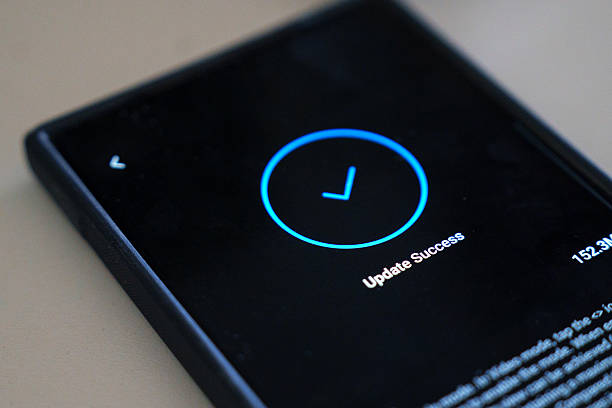
Photo source: iStock
It always seems to happen at the wrong time. You’re about to check your emails or make a video call when your phone or computer announces that it’s ready to install an update. It’s tempting to press “Remind Me Later” and forget about it.
While delaying an update now and then isn’t usually a problem, ignoring them for weeks or months can leave your device less secure.
Software updates do much more than add new features. Many include important security fixes that protect your phone, tablet, or computer from newly discovered cyber threats. Once these weaknesses become known, criminals may try to exploit devices that haven’t been updated.
Updates can also improve performance. They may fix annoying bugs, make apps run more smoothly, improve battery life, or resolve compatibility issues with other devices. In many cases, the changes happen quietly in the background, but they can make your device more reliable over time.
If you’re worried about losing photos or documents during an update, back up your important files first. Most updates are completed without any problems, but having a recent backup is always a sensible habit. It’s also a good idea to install updates when you’re connected to Wi-Fi and have enough battery power or your device is plugged in.
Be cautious about where update notifications come from. Genuine updates usually appear through your device’s settings or app store. If you receive an unexpected email or pop-up asking you to download an update from an unfamiliar website, don’t click on it. Instead, check for updates through your device’s official settings.
You don’t need to install every update the moment it appears. But keeping your devices reasonably up to date is one of the simplest ways to improve both their security and performance.








