

Your Browser Tabs Could Use a Clear-Out

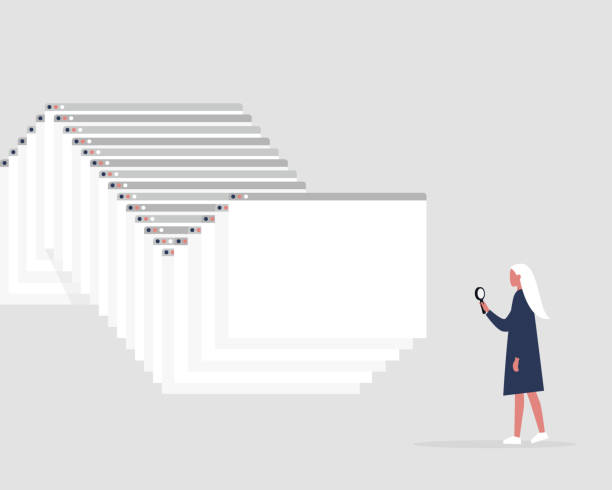
Photo source: iStock
Open your internet browser and there’s a good chance you’ll find a collection of tabs you haven’t looked at in weeks. A recipe you meant to try, a news story you wanted to finish, a shopping page you might return to, and perhaps several websites you don’t even remember opening.
Keeping them all open can feel harmless. After all, you can always come back to them. But when dozens of tabs are competing for attention, finding the one you actually need becomes surprisingly difficult.
Start by closing anything you know you won’t use again. If you can’t remember why you opened a page, that’s usually a good sign that it doesn’t need to stay there. You don’t have to work through every tab individually, either. Most browsers offer an option to close all tabs at once if you’re ready for a clean start.
For pages you genuinely want to keep, use bookmarks instead. A bookmark is designed for exactly this purpose: saving a website so you can find it again without leaving the page permanently open.
You can also create bookmark folders for things you return to regularly. You might have one for recipes, another for travel websites, and another for banking or government services. This is much easier to manage than keeping everything open indefinitely.
If you use your browser on both your phone and computer, check whether your browser offers synchronisation. Depending on the browser and your settings, bookmarks, and browsing information can be available across your devices. Just make sure you’re comfortable with what is being synchronised.
There’s also a privacy benefit to tidying up. Closing old tabs can reduce the chance of accidentally leaving a sensitive page open, particularly if other people occasionally use your computer or tablet.
And don’t worry about losing something important. If you’ve closed a page you later need, you can usually find it again through your browsing history or a fresh web search. Closing a tab isn’t the same as deleting the website from the internet.
Think of your browser as a desk. You wouldn’t normally leave every piece of paper you’ve ever handled scattered across it just in case you might need one someday. A quick clear-out can make the digital version of your desk feel considerably less cluttered too.







