

Your Phone Can Scan Documents

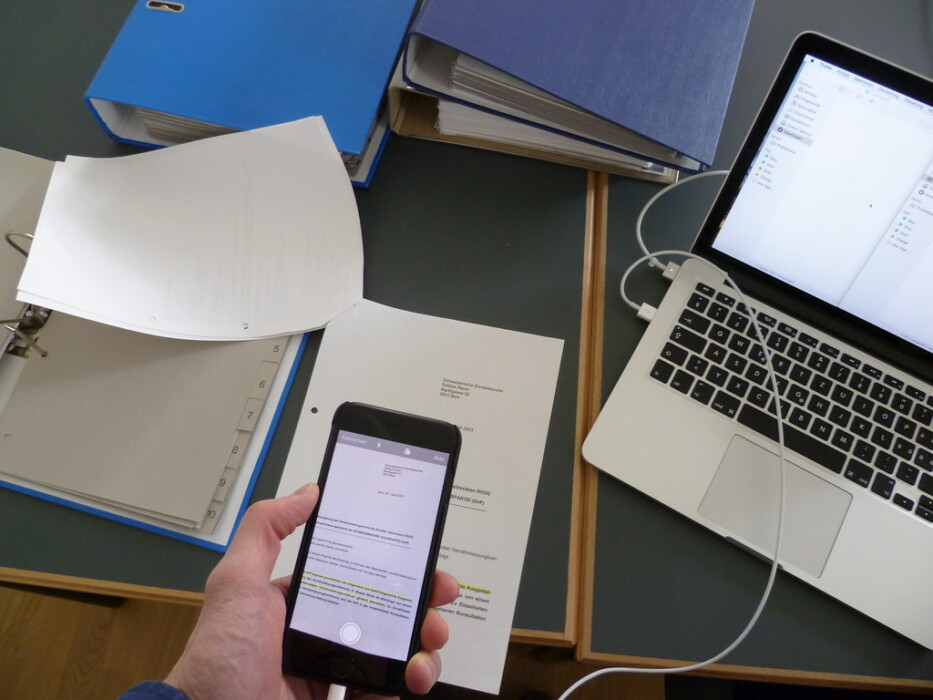
Photo source: Flickr
There are still plenty of occasions when someone asks you to send a copy of a document. It might be a form, receipt, letter, insurance document, or page from a manual. If you don’t own a scanner, that doesn’t necessarily mean you need to find one.
Your smartphone can usually do the job. Modern phones can use their cameras to scan documents and turn them into digital files. Rather than taking an ordinary photograph of a piece of paper, the scanning function can automatically detect the edges, straighten the page, and make the text easier to read.
On an iPhone, you can scan documents through the Notes app. Many Android phones offer similar functions through their camera or a notes app, although the exact steps vary between manufacturers. If you’re unsure, search your phone’s settings or help section for “scan document.”
The feature can be particularly useful for paperwork you need to send by email. Instead of taking a photograph with shadows, a crooked page or half the table in the background, a proper scan creates a cleaner copy that’s easier for the recipient to read.
It’s also handy for keeping your own records. You could scan a receipt for an expensive purchase, a warranty, a home repair invoice or an important letter and save the digital copy. Just remember that some documents should still be kept in their original form, so don’t throw away important paperwork simply because you’ve scanned it.
When scanning, put the document on a flat, well-lit surface. Try to keep your phone directly above the page rather than at an angle, and check the finished scan before saving it. Make sure all the writing is visible and readable.
You can then organise your scans into folders or albums, depending on the apps you use. Giving files sensible names, such as “Washing Machine Warranty 2026,” makes them much easier to find later than leaving them with a generic camera filename.
A scanner used to be another piece of equipment taking up space in the home. These days, there’s a good chance you’ve already got one in your pocket.









