

Choosing the Right Device: Tablet vs. Smartphone vs. Laptop for Seniors

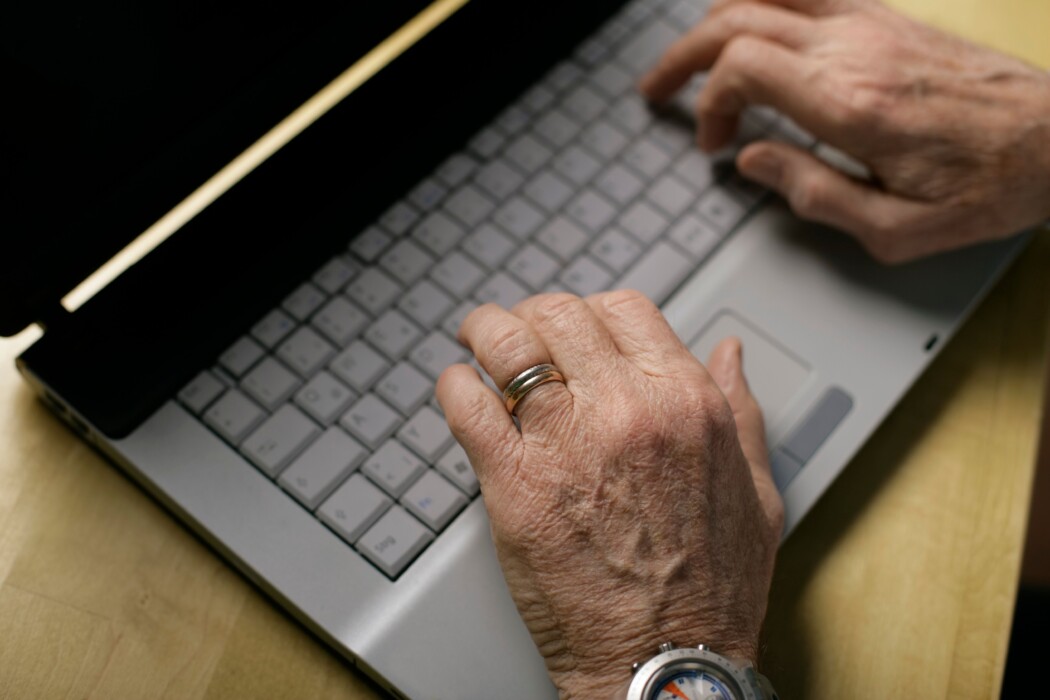
Photo source: Pexels
A simple guide to help older adults pick the technology that fits their daily life.
Introduction
Technology can feel overwhelming, especially with so many devices to choose from. For seniors looking to stay connected with family, manage daily tasks, or simply browse the internet, the big question often comes down to three options: a tablet, a smartphone, or a laptop. Each device has its own strengths, and the right choice depends on personal needs, comfort level with technology, and how the device will be used day to day.
This guide breaks down the pros and cons of each option in plain language, so you can make a confident, informed decision.
Smartphones: Staying Connected on the Go
Smartphones are small, portable, and always within reach. They are best suited for seniors who want to stay in touch with loved ones, no matter where they are.
Benefits of a smartphone:
📱 Fits easily in a pocket or purse, making it convenient for errands, appointments, or travel
📱 Allows quick phone calls, text messages, and video chats with family
📱 Useful for emergencies, since it can be carried at all times
📱 Many models offer large text options and voice assistants for easier use.
📱 Apps for medication reminders, step tracking, and health monitoring are widely available.
Things to consider:
📱 The small screen can be difficult to read for those with vision challenges.
📱 Typing on a small keyboard may feel tricky for people with limited dexterity.
📱 Battery life may require daily charging habits.
Smartphones work well as a primary device for seniors who value portability and want one tool that handles calls, messages, and basic browsing all in one.
Tablets: A Balance of Size and Simplicity
Tablets offer a middle ground between the small screen of a smartphone and the larger setup of a laptop. They are popular among seniors because of their simple touchscreen design and larger viewing area.
Benefits of a tablet:
🔳 Larger screen makes reading emails, news, and photos more comfortable
🔳 Touchscreen navigation is often easier to learn than a computer mouse and keyboard.
🔳 Lightweight and easy to hold while sitting in a favourite chair
🔳 Great for video calls, watching shows, playing games, and reading e-books
🔳 Many tablets offer adjustable text size and accessibility settings.
Things to consider:
🔳 Typing longer messages or documents can still feel less comfortable than on a laptop.
🔳 Not as portable as a smartphone for carrying throughout the day
🔳 Some tasks, like printing documents or managing complex files, may be more limited.
Tablets are a strong choice for seniors who want an easy-to-use device mainly for entertainment, communication, and casual browsing.
Laptops: Full Functionality for Everyday Tasks
Laptops provide the most complete computing experience of the three. They are ideal for seniors who need to handle more detailed tasks such as writing letters, managing finances, or organising files.
Benefits of a laptop:
💻 Full keyboard makes typing emails, letters, and documents more comfortable
💻 A larger screen size is easier on the eyes for extended use
💻 Better suited for tasks like online banking, printing, and managing spreadsheets
💻 Multiple programmes can be used at once, which is helpful for multitasking
💻 Often includes stronger security features for protecting personal information
Things to consider:
💻 Less portable than a tablet or smartphone
💻 May have a steeper learning curve for those new to computers
💻 Generally requires a stable desk or table space for comfortable use
A laptop is a good fit for seniors who plan to do more than just browsing, especially if writing, printing, or organising documents is part of the daily routine.
How to Decide Which Device Is Right for You
Choosing the right device comes down to a few simple questions:
How will you mainly use it? If staying reachable throughout the day is the priority, a smartphone makes sense. If comfortable reading and casual entertainment matter most, a tablet may be the better fit. If writing, printing, or managing detailed tasks is important, a laptop is likely the strongest option.
How comfortable are you with technology? Touchscreens on tablets and smartphones tend to feel more intuitive for beginners, while laptops often involve a bit more of a learning curve with keyboards and multiple windows.
Do you have any vision or dexterity concerns? Larger screens, such as those on tablets and laptops, are often easier to read. Devices with adjustable text size and voice command features can also make daily use more comfortable.
Will you use more than one device? Many seniors find that owning both a smartphone for portability and a tablet or laptop for home use offers the best of both worlds.
Final Thoughts
There is no single right answer when it comes to choosing between a tablet, smartphone, and laptop. The best device is the one that matches individual needs, comfort level, and daily habits. Taking time to consider how the device will be used, along with any vision or dexterity needs, can make the decision much easier.
Whichever option is chosen, modern devices are increasingly designed with accessibility and ease of use in mind, making it more possible than ever for seniors to stay connected, informed, and engaged with the world around them.








